Business QR Generator

Themed cards for Paytm-style, Google Pay-style, PhonePe-style, UPI & Net Banking

Paytm

Enter any UPI ID (e.g., name@bank, phone@upi)

SCAN & PAY

UPI Enabled

Paytm-style card

UPI ID: Not set

MerchantNot set
Payment TypeUPI
AmountNot set

Downloads and printouts now match this preview exactly, for every payment type.

Supported Payment Platforms

Choose from India's most popular digital payment apps
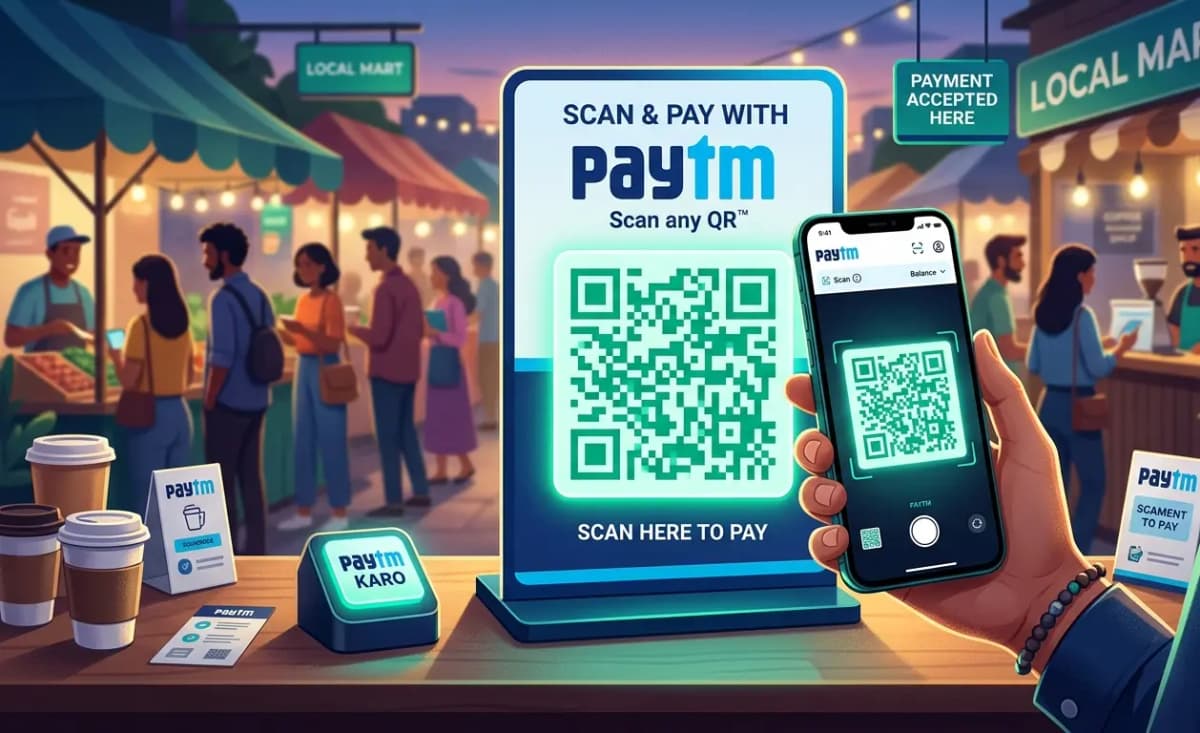
Paytm payment card
Paytm
Scan & Pay

Paytm

Generate a branded Paytm-style QR code for your business. Simply enter your UPI ID and merchant name to create a professional payment poster. The QR code can be scanned by any UPI app to make instant payments. Download or print your custom Paytm-branded QR poster in PNG, JPG, or PDF format.
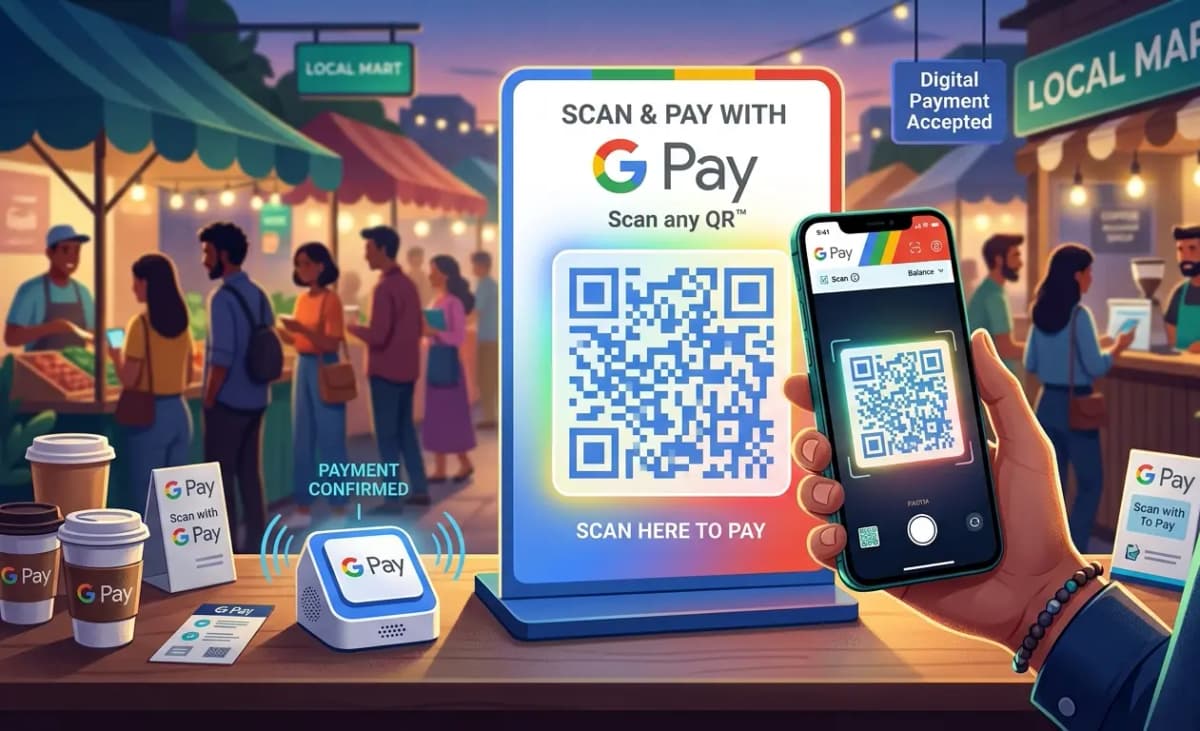
Google Pay payment card
Google Pay
Scan & Pay

Google Pay

Create a Google Pay-style QR code poster with our easy-to-use generator. Enter your UPI ID and merchant details to generate a payment QR that works with all UPI apps. The poster features Google Pay's signature design with four-color branding. Download or print your QR code in multiple formats.
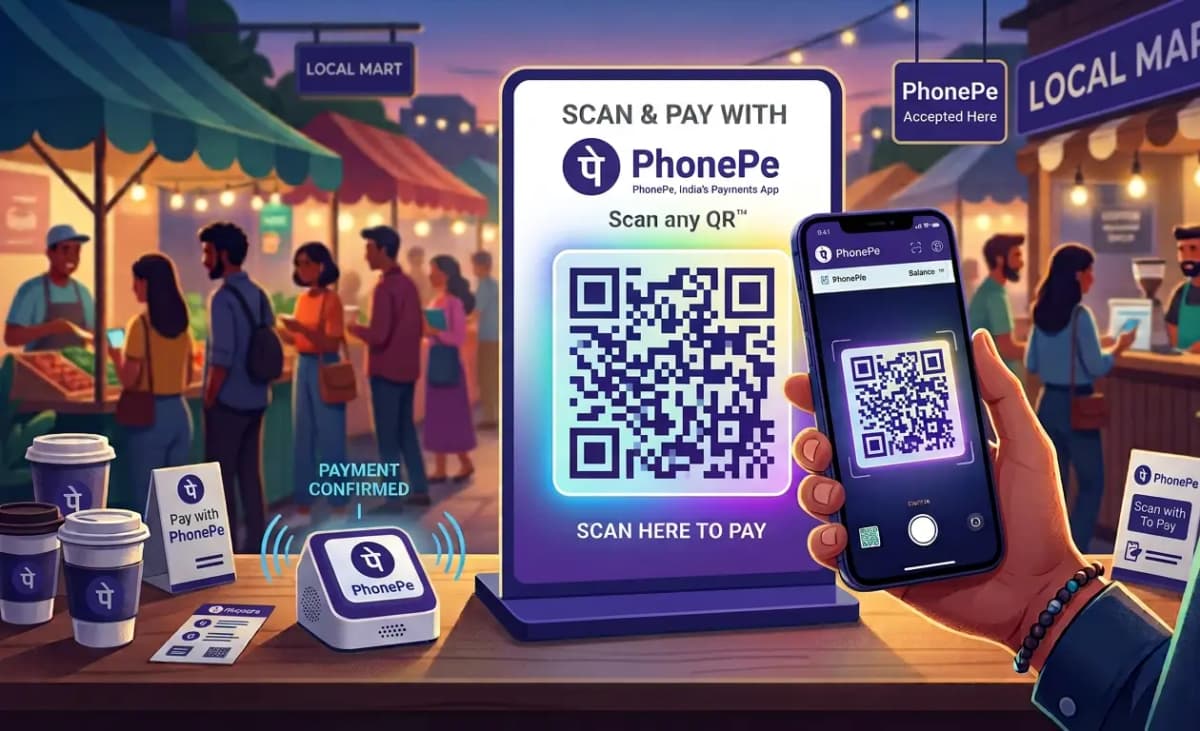
PhonePe payment card
PhonePe
Scan & Pay

PhonePe

Design a PhonePe-branded QR code poster in seconds. Input your UPI ID and merchant name to generate a professional payment QR. The poster includes the iconic PhonePe purple badge and yellow footer, making it instantly recognizable. Download or print your QR code in PNG, JPG, or PDF format.
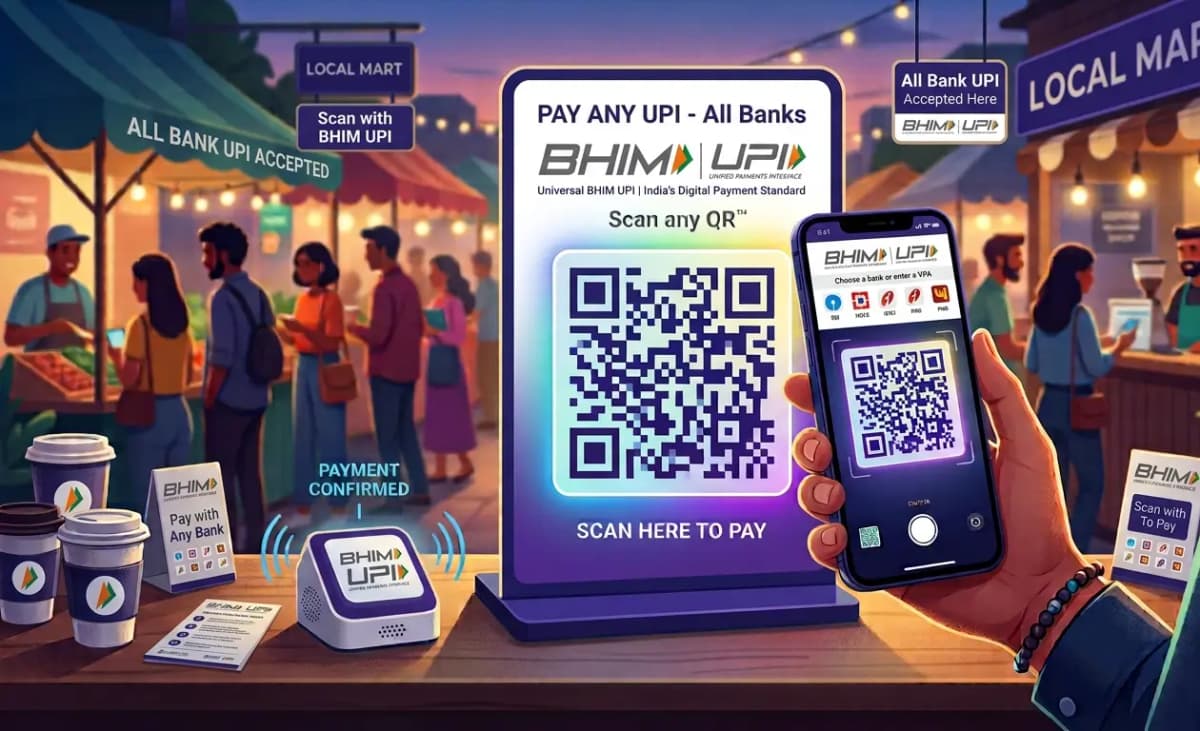
UPI payment card
UPI
Scan & Pay
🏦

UPI

Generate a universal UPI QR code poster that accepts payments from all banks. Enter your UPI ID and merchant name to create a clean, professional QR code. The poster features the UPI branding and works with any UPI app including Paytm, Google Pay, PhonePe, and more. Download or print your QR in multiple formats.
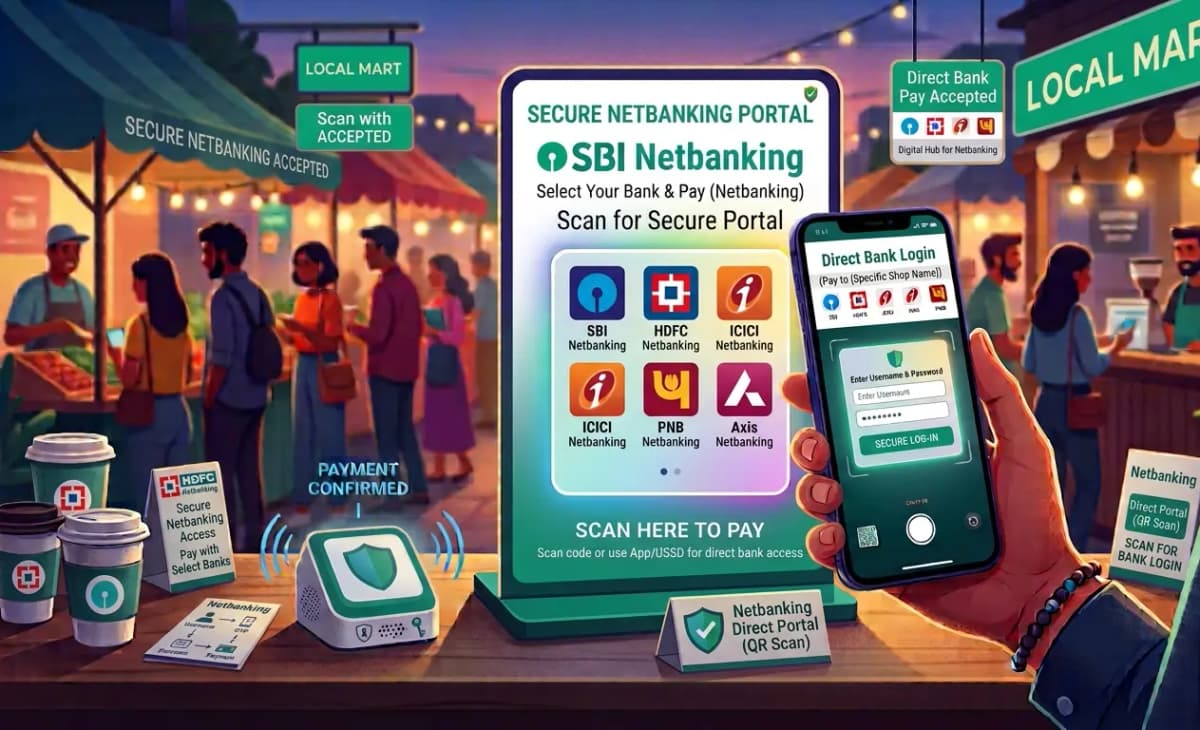
Net Banking payment card
Net Banking
Scan & Pay
🌐

Net Banking

Create a net banking QR code poster for direct bank payments. Provide your account number and IFSC code along with merchant name to generate a QR that customers scan to pay directly through their bank's net banking portal. The poster includes all bank details for easy reference. Download or print in PNG, JPG, or PDF.

Simplify Your Payment Process With QR Generator

Using the QR Generator tool allows you to accept payments effortlessly from any UPI app.

Instant QR Code Generation

Create professional UPI and Netbanking QR codes instantly with our easy-to-use generator tool.

Multiple Payment Options

Support Paytm, Google Pay, PhonePe, UPI (All Banks), and Net Banking with a single QR code.

Quick & Easy Setup

Just enter your UPI ID or bank details and generate a QR code in seconds.

Secure Payment Processing

All QR codes follow standard UPI specifications with built-in security protocols.

Works on All Devices

Display your QR code on any device - phone, tablet, computer, or printed material.

Grow Your Business

Accept payments from any UPI app and boost your sales with convenient digital payments.

💳 Start accepting payments today — generate your QR code in just a few clicks!

Frequently Asked Questions

Find answers to common questions about UPI QR codes

UPI (Unified Payments Interface) is a real-time payment system developed by NPCI that enables instant money transfers between bank accounts using a mobile phone. It allows you to send and receive money using a Virtual Payment Address (VPA) like name@bank, without sharing bank account details.
To create a UPI QR code, simply select your preferred payment app (Paytm, Google Pay, PhonePe, etc.), enter your UPI ID and merchant name, optionally set an amount, and our generator will create a customized QR code instantly. You can then download or print it.
Yes, UPI is highly secure with two-factor authentication, encryption, and NPCI's robust security protocols. Each transaction requires your UPI PIN, ensuring that only you can authorize payments. The QR codes generated follow standard UPI specifications and are widely used across India.
Absolutely! You can toggle the amount switch and enter any amount up to ₹5,00,000. When someone scans your QR code, the amount will be pre-filled, making it easier for customers to pay the exact amount quickly.
Each poster has a unique design that matches the brand's visual identity. Paytm posters feature their blue and cyan branding, Google Pay posters have their signature four-color border, and PhonePe posters include the distinctive purple badge. All posters generate the same UPI QR code but with different styles.
Yes, net banking QR codes are designed for customers who prefer to pay directly through their bank's net banking portal. You need to provide your bank details (account number and IFSC code) to generate the QR, which customers scan to initiate a net banking payment.
Yes, once generated, the QR code image can be displayed on any device - phone, tablet, computer, or printed. The same QR code works across all platforms and can be scanned from screens or paper. Download the PNG image to use it anywhere.
BHIM (Bharat Interface for Money) is India's official UPI app developed by NPCI. The BHIM UPI logo on our posters indicates that the QR code is fully compliant with UPI standards and can be scanned by any UPI app, providing universal acceptance.
Our generator offers five different payment app styles: Paytm, Google Pay, PhonePe, UPI (All Banks), and Net Banking. Each style has its own design theme and branding, allowing you to choose the look that best represents your business.
Yes, the UPI & Netbanking QR Generator is completely free to use. You can generate unlimited QR codes, customize them with your merchant details, and download or print them without any hidden charges.