What functions does Antique Store billing software perform?
- Generate Antique Store Bills in various currencies to accommodate international clients.
- Options to add company logo, address, and business information.
- A simple product/service catalog to list the items or services provided, along with descriptions and prices.
- Export options such as PDF download or email directly to clients.
- Track the status of Antique Store Bills (e.g., paid, unpaid, overdue).
- Include payment terms like due dates, late fees, and accepted payment methods.
- Basic templates where you can customize the Antique Store Bills layout.
- Basic client database where you can store client names, addresses, and contact details for future invoices.
- Ability to preview the Antique Store Bills before sending.
- Limited financial reporting or analytics features for tracking income.
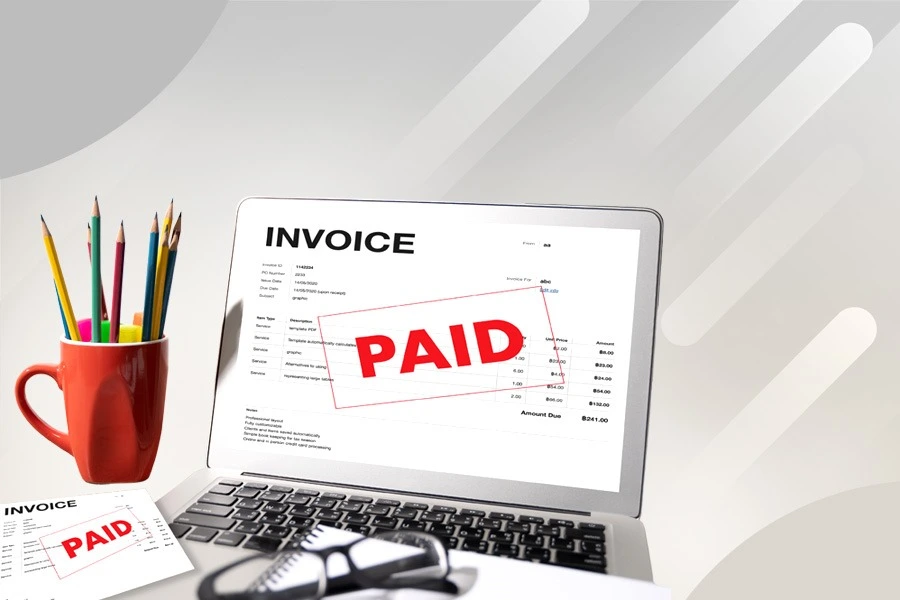
Billing Software For Antique Store
Billing Software for Antique Stores is designed to simplify invoicing for unique and high-value items. It allows you to apply custom pricing, discounts, and taxes while generating professional bills quickly. The system helps track inventory based on item category, age, or collection details. With options for digital or printed receipts, it ensures organized transactions and enhances customer service for both in-store and online antique sales.